

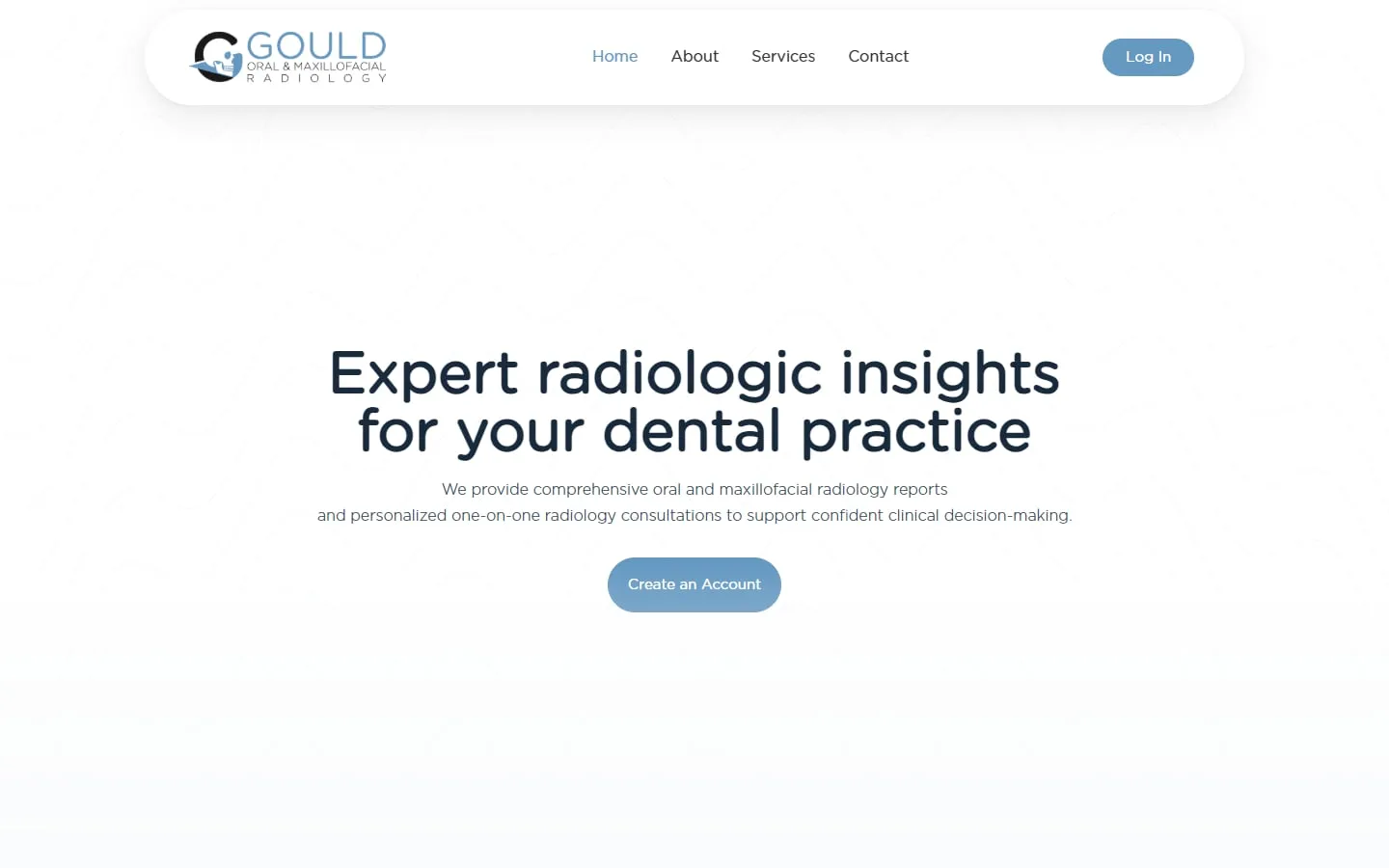
Gould Oral and Maxillofacial Radiology
A custom SuiteDash portal for a radiology practice
Brand identity, website and a customized SuiteDash portal tailored to the practice.
A branded portal where clients sign, upload, pay and message you, without chasing emails.
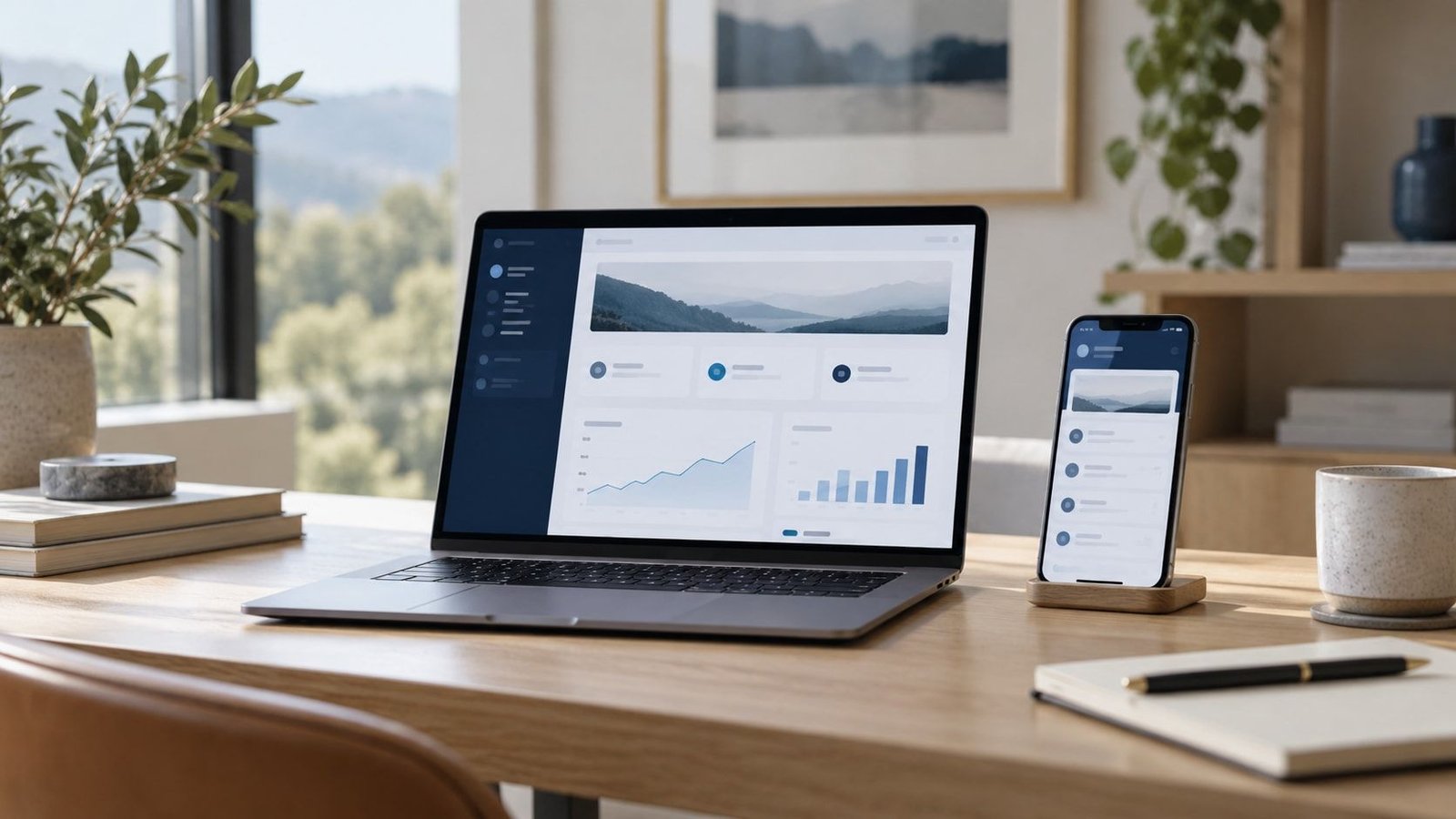
A made-up firm’s portal, built in HTML. Use the sidebar to switch sections, and try the brand colors to see it rebrand.
Upload documents, sign letters and pay invoices securely.
Showing 2 results
Showing 2 results
Claire MorganThanks, we have what we need for now. We’ll update you here as soon as there’s news.
Sofia RiveraUploaded the last receipts to the Files tab. Let me know if anything is missing.
A sample portal for a made-up accounting firm, laid out like a real SuiteDash build. Switch between the owner’s dashboard and the client’s portal, and click the sidebar to look around.
We learn how you handle leads, clients, projects, billing and messages right now.
We agree what to build, what stays manual and what gets automated, in writing.
We configure and test every client and team journey before anyone logs in.
Your team gets a walkthrough, and we stay on for changes as you grow.
A branded client portal is part of every SuiteDash setup we build, starting with the focused setup from $600. Redesigning an existing portal is priced as project work after a review.
See SuiteDash pricing and packagesGould Oral and Maxillofacial Radiology
Brand identity, website and a customized SuiteDash portal tailored to the practice.
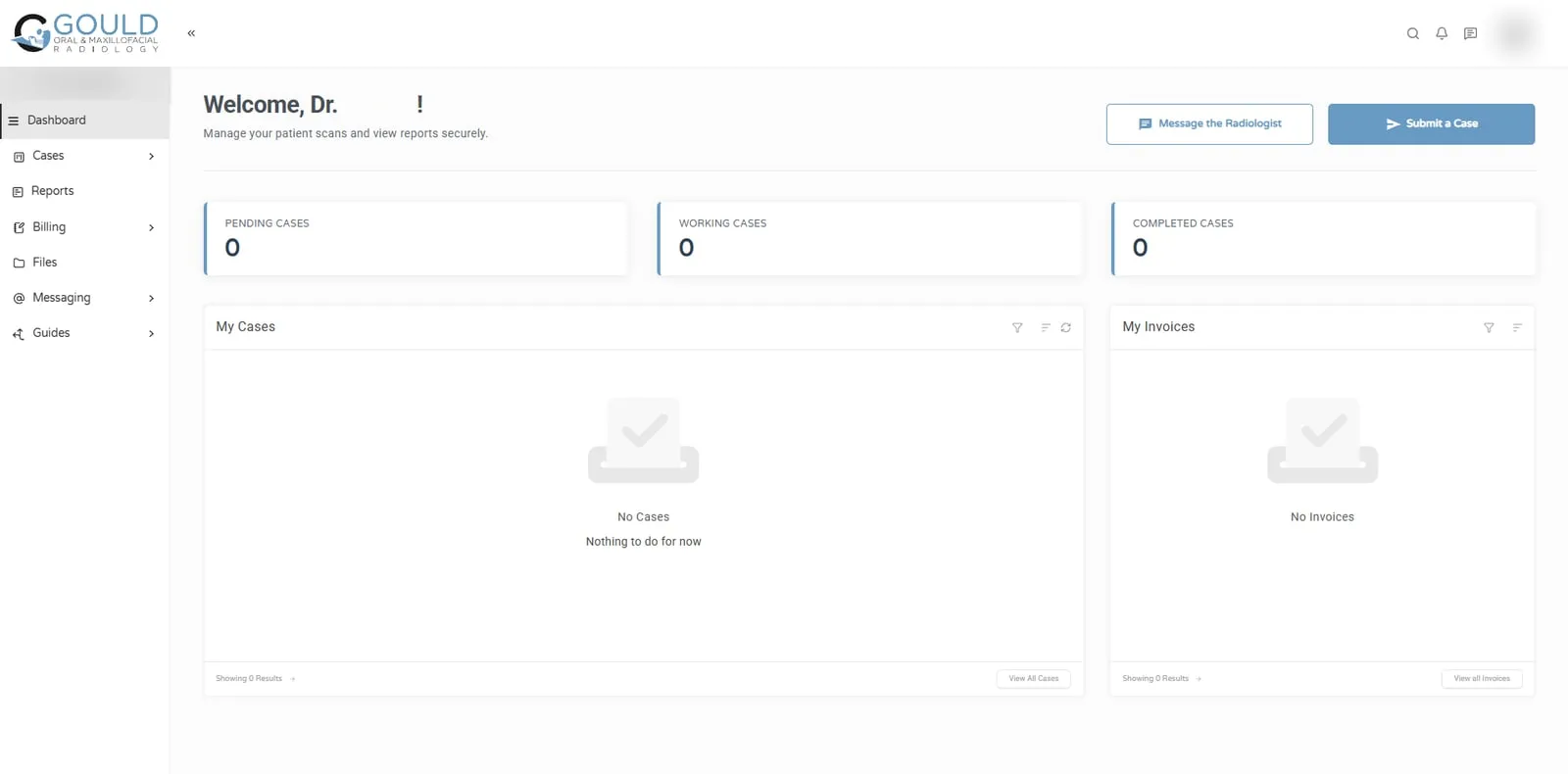
Jonna and her team helped me develop my company's logo and brand identity, design and build my business website, and create a customized SuiteDash portal tailored to the unique needs of my radiology practice. The quality of her work exceeded my expectations at every stage of the process!
Because the first screen asks them to work out what to do. If every module is switched on, clients see a menu of features instead of the one thing you need from them, so they reply by email instead.
Portals that get used are built around tasks. Each time you invite a client in, it should be to do something specific: sign this, upload that, pay this invoice.
Three things, in this order:
Yes. Clients can see different dashboards, pages and menu items based on their type or the services they buy. An accounting client in tax season needs different things from a monthly bookkeeping client, and the portal can reflect that.
Make the first login part of onboarding, not an optional extra. An On-Boarding FLOW can greet a new client, collect their details and documents, and only then open the rest of the portal. After that, send every request as a portal link rather than an email attachment.
Yes. A portal on your own domain, with your logo, colors and emails, feels like part of your service. One that shows an unfamiliar brand makes clients hesitate. White label and custom domain setup is part of how we build every portal.
Yes. We configure and brand your client portal and organize the client-facing experience around the features in your setup: dashboards, pages, file requests, invoices and messages. Clients see what applies to them, in your brand, on your own domain.
Yes. Clients can see and pay their invoices inside the portal, and recurring services can be billed as subscriptions. We set up the invoice templates and payment settings as part of the build and test a payment before clients are invited.
Yes. We set up client types and permissions so each client sees the dashboards, pages, files and menu items that apply to them. That keeps the portal simple, even when you offer several services or work with very different kinds of clients.
Yes. Clients can use the portal in a mobile browser, and we check the key tasks, such as signing, uploading and paying, on a phone before launch. We keep the first screen short so it stays easy to use on a small display.
Yes. We review what clients currently see, remove what they don’t use, and rebuild the dashboard around the tasks you need from them. Redesigns are priced as project work once we know the size of the change.
30 minutes. No obligation. You’ll leave with a plan.