

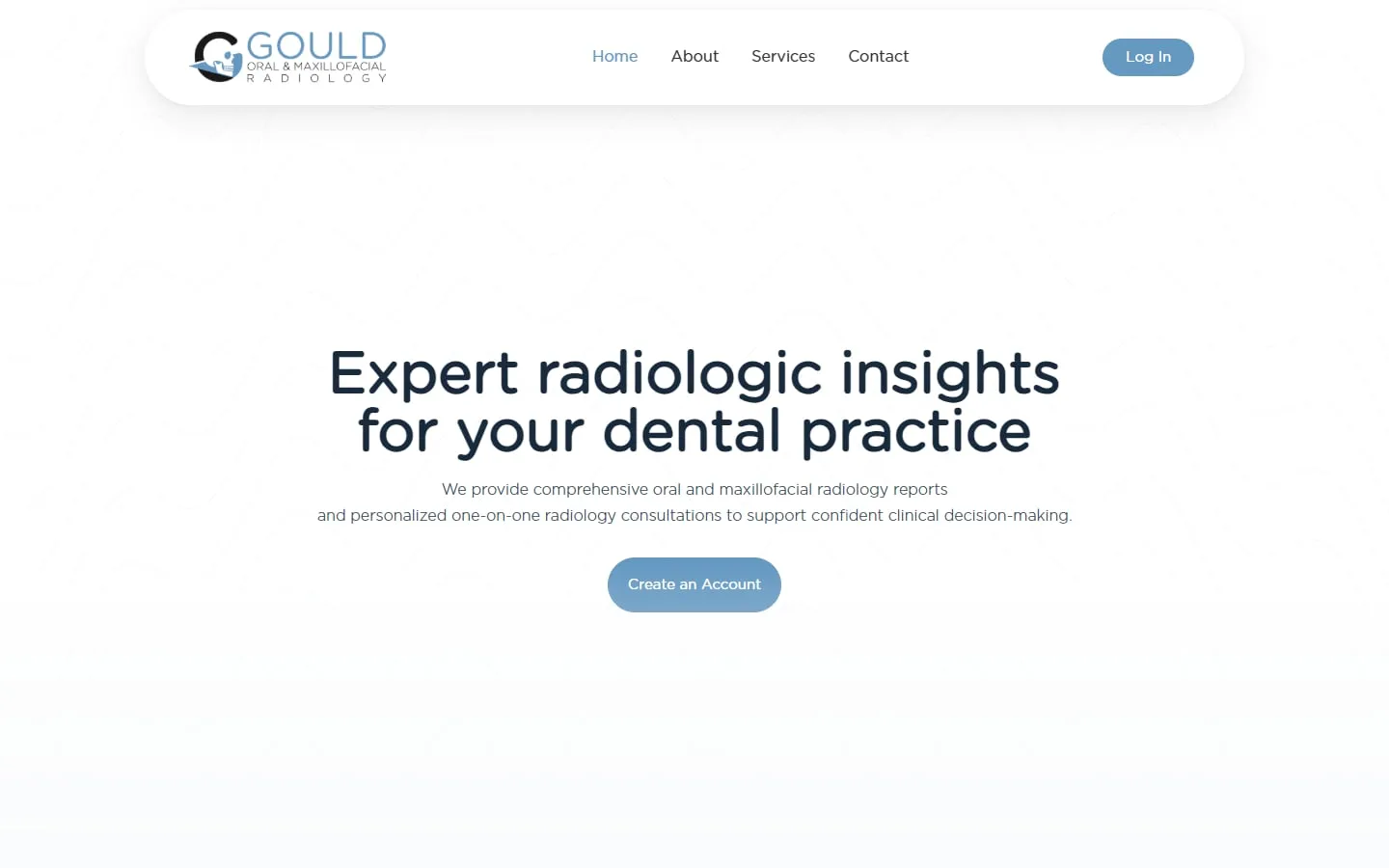
Gould Oral and Maxillofacial Radiology
A custom SuiteDash portal for a radiology practice
Brand identity, website and a customized SuiteDash portal tailored to the practice.
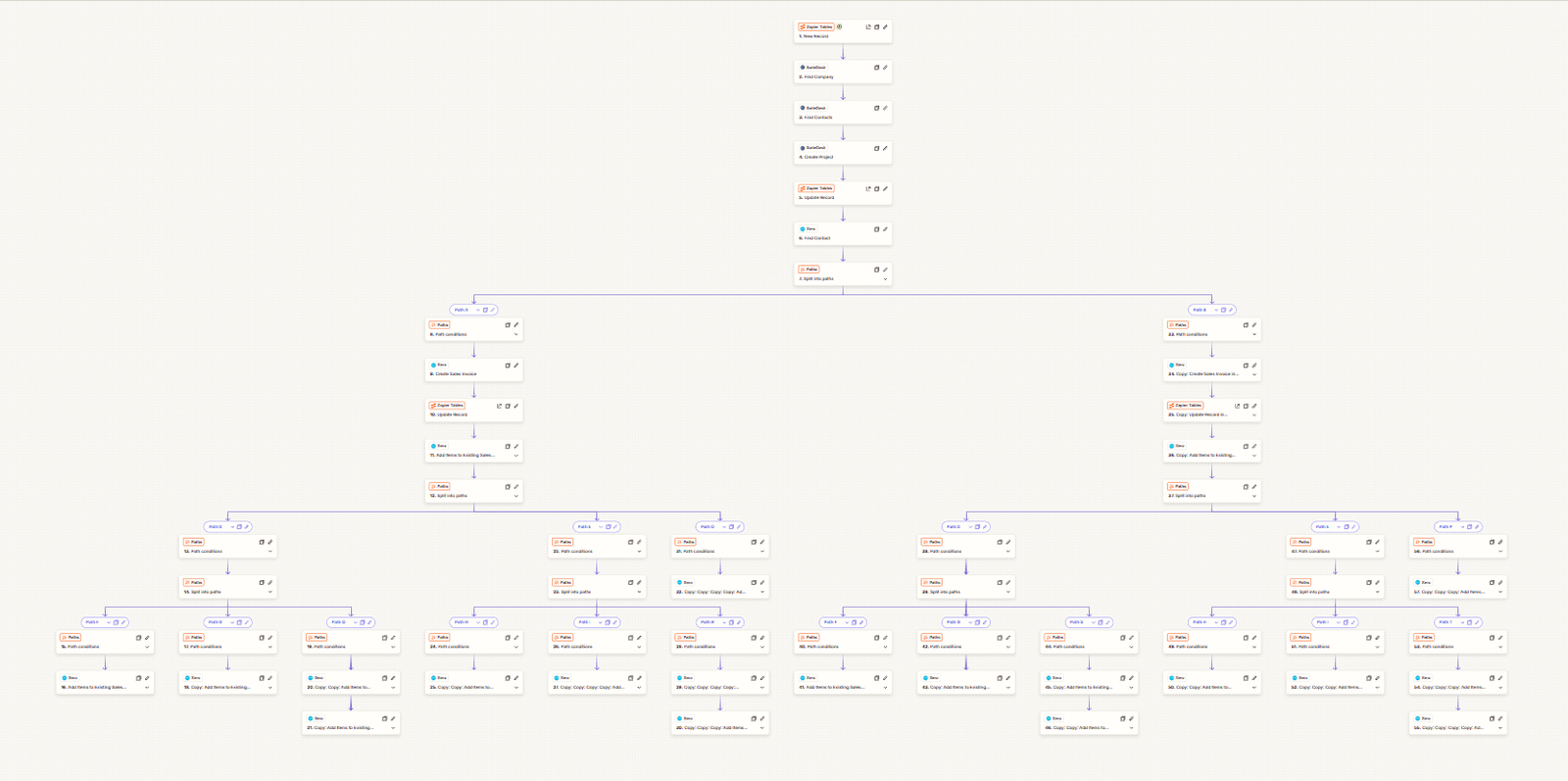
Onboarding, follow-ups and tasks that run on their own once a client signs.
Pick a trigger, then switch steps on or off to see what runs. Minutes saved are an estimate, not a promise.
Estimated time saved: — minutes a week
An estimate: the minutes each step takes by hand, times how often the trigger happens in a typical week.
We learn how you handle leads, clients, projects, billing and messages right now.
We agree what to build, what stays manual and what gets automated, in writing.
We configure and test every client and team journey before anyone logs in.
Your team gets a walkthrough, and we stay on for changes as you grow.
Core automations are part of our standard implementation, from $1,200. Adding or fixing automations on an existing account is priced as project work or included in a monthly support plan.
See SuiteDash pricing and packagesGould Oral and Maxillofacial Radiology
Brand identity, website and a customized SuiteDash portal tailored to the practice.
Jonna and her team helped me develop my company's logo and brand identity, design and build my business website, and create a customized SuiteDash portal tailored to the unique needs of my radiology practice. The quality of her work exceeded my expectations at every stage of the process!
Most of the repeat admin around a client. SuiteDash can react to events like a form being submitted, a proposal being accepted, an invoice becoming due or a contact changing stage, and then send messages, create tasks and projects, apply tags or update records.
FLOWs handle the client-facing side: a guided sequence of steps a client completes in the portal, such as signing an agreement, filling in an intake form and uploading documents.
FLOWs are multi-step sequences that guide a client or staff member through tasks in one place: signing documents, completing forms, uploading files, downloading resources, booking appointments and checking off lists.
An On-Boarding FLOW appears when a new contact first logs in and has to be completed before they reach the rest of the portal. That makes it the most reliable way to collect everything you need at the start of a relationship.
Start where the most manual work repeats. For most service businesses, that is:
Usually because something they depend on changed. A form was replaced, a stage renamed or a tag retired, and the automation still waits for the old version. Overlapping automations cause the other common problem: two rules changing the same record, so the result depends on which runs first.
Keep a simple list of what each automation does and what triggers it. It turns a day of detective work into a five-minute check.
Yes, through integrations. When a process runs across several tools, we connect SuiteDash with Zapier, Make, Pabbly, n8n, APIs or webhooks, for example to send new clients to your accounting software or post alerts to a team chat.
A FLOW is a guided, multi-step sequence inside the portal. Clients or staff complete steps in order, such as signing a document, filling in a form, uploading files or booking a call. On-Boarding FLOWs appear at a new client’s first login and must be finished before they see the rest of the portal.
Yes. We map what each automation should do and what triggers it, find the ones that conflict or depend on changed forms and stages, then fix, merge or remove them. We test with a real client journey before handing it back.
Fewer than most people expect. A handful of well-chosen automations around inquiries, onboarding, billing and project completion usually removes most repeat admin. We would rather build five that everyone understands than thirty that nobody can maintain.
Yes. An On-Boarding FLOW can collect intake forms, agreements and documents the first time a client logs in, while automations send the welcome email, create the project and assign tasks to your team. Together they turn onboarding into a routine the client completes on their own.
Often, yes. Where SuiteDash doesn’t connect directly, we link it to other tools using Zapier, Make, Pabbly, n8n, APIs or webhooks. We check what data can move in each direction before promising a connection, so there are no surprises after launch.
30 minutes. No obligation. You’ll leave with a plan.