

Gould Oral and Maxillofacial Radiology
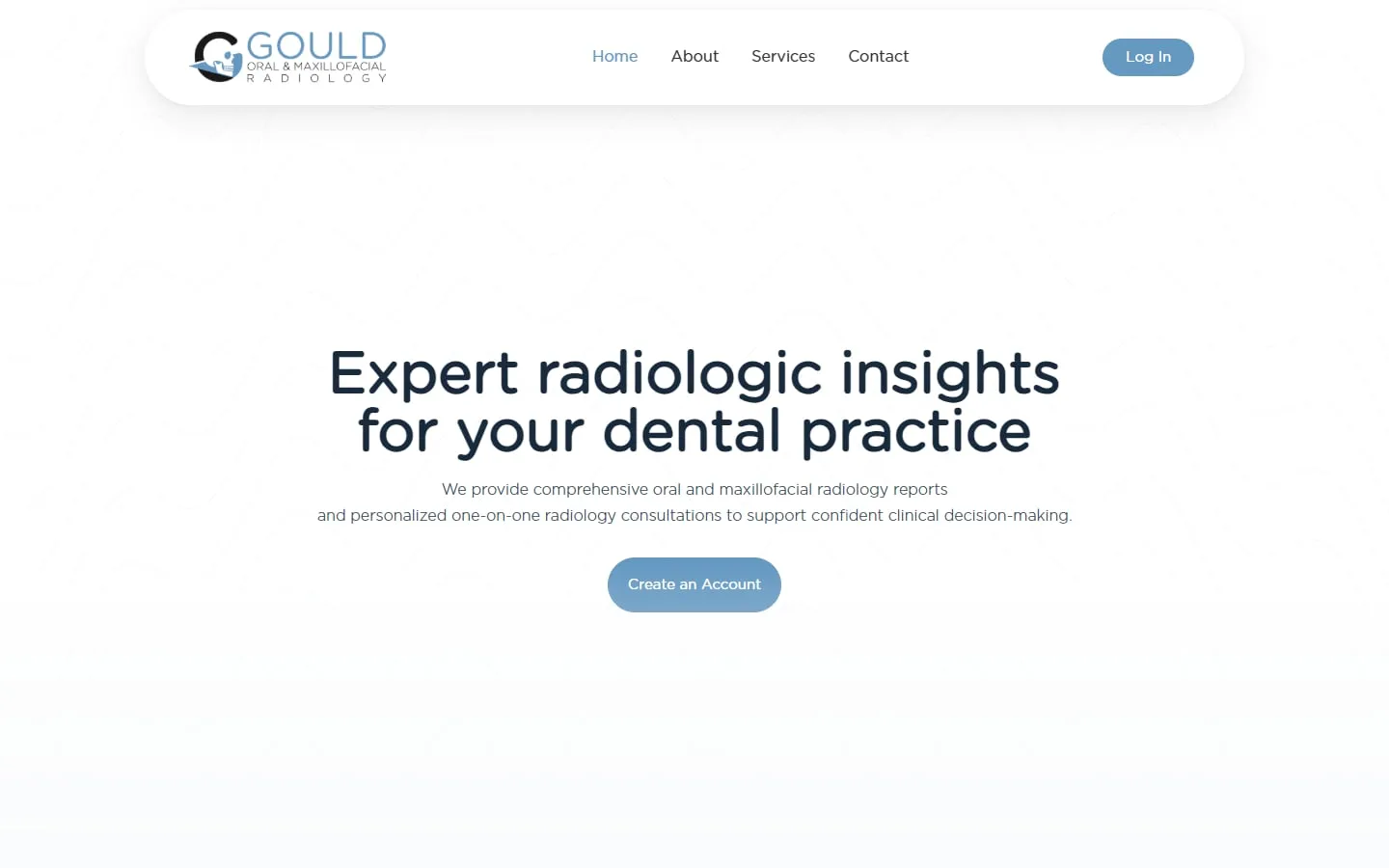
A custom SuiteDash portal for a radiology practice
Brand identity, website and a customized SuiteDash portal tailored to the practice.
We connect SuiteDash to your website, payments, accounting and other tools, so data is entered once.
Filter by category, then pick a tool to see what moves between it and SuiteDash.
Moves: Form submissions become SuiteDash contacts.
Automates: Follow-up tasks and welcome emails for new inquiries.
Moves: Card payments against SuiteDash invoices and subscriptions.
Automates: Paid invoices update automatically; overdue ones trigger reminders.
Moves: Invoices and client records for your bookkeeping.
Automates: No retyping invoices into your accounts.
Moves: Invoice and client data for your accounts.
Automates: Consistent billing records between the two systems.
Moves: Won deals and client details from sales into delivery.
Automates: A signed client gets a portal invite and onboarding without a handoff email.
Moves: Data between SuiteDash and thousands of other apps.
Automates: Multi-step workflows across tools SuiteDash doesn’t connect to directly.
Moves: Data between SuiteDash and other apps, with branching logic.
Automates: Complex workflows with conditions and data formatting.
Moves: Data between SuiteDash and other apps.
Automates: Workflows across your tools, often at a lower cost per task.
Moves: Data between SuiteDash and other systems, self-hosted if you prefer.
Automates: Custom workflows you own and can host yourself.
Moves: Calendar events and contacts.
Automates: Bookings and meetings line up with your SuiteDash scheduling.
Moves: Any data an API can send or receive.
Automates: Custom connections when no ready-made integration exists.
SuiteDash
What moves:
What it automates:
Exact options depend on your plan and accounts. We confirm them before building.
We learn how you handle leads, clients, projects, billing and messages right now.
We agree what to build, what stays manual and what gets automated, in writing.
We configure and test every client and team journey before anyone logs in.
Your team gets a walkthrough, and we stay on for changes as you grow.
Integrations are included in our advanced implementation, from $2,000, or priced as project work on an existing account. The price depends on how many tools connect and how much data moves.
See SuiteDash pricing and packagesGould Oral and Maxillofacial Radiology
Brand identity, website and a customized SuiteDash portal tailored to the practice.
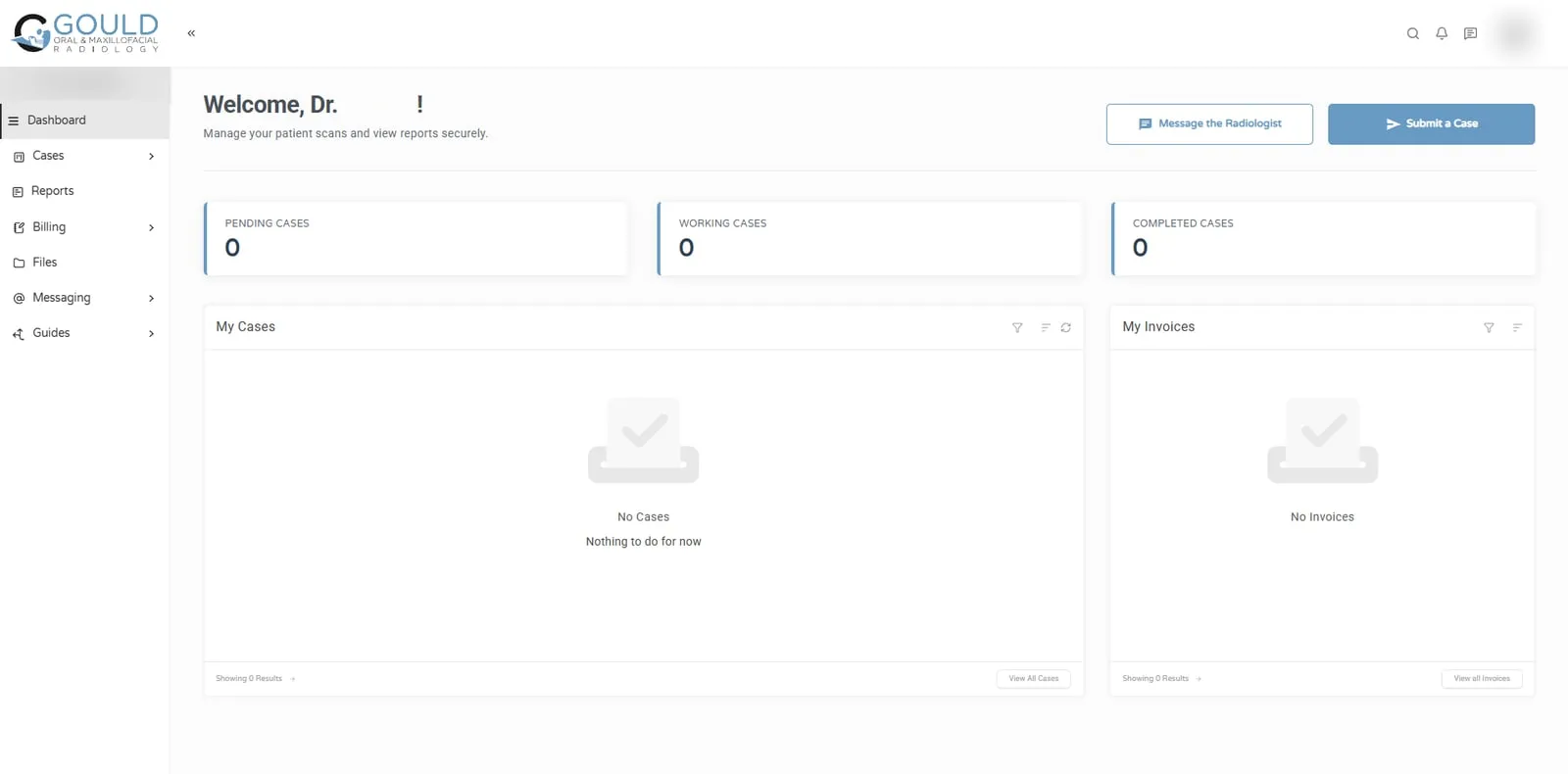
Jonna and her team helped me develop my company's logo and brand identity, design and build my business website, and create a customized SuiteDash portal tailored to the unique needs of my radiology practice. The quality of her work exceeded my expectations at every stage of the process!
Both, depending on the tool. SuiteDash has built-in integrations for some services, and connects to many others through automation platforms like Zapier, Make and Pabbly, or through its API and webhooks.
We check the built-in options first, because they are simpler to maintain. We add an automation platform only when a connection needs it.
Either embed a SuiteDash form on your website, or send your existing form’s submissions to SuiteDash through an automation platform or webhook. Embedding is simplest. Connecting an existing form keeps your website’s design and lets you add extra steps, like notifying your team.
Yes, through a direct integration or an automation platform, depending on the setup. Decide first which system is the source of truth for invoices. Syncing in both directions without a clear rule is how duplicate invoices happen. Always test with a dummy invoice before going live.
Yes. A common pattern is marketing and sales in GoHighLevel, then client delivery in SuiteDash. When a deal is won, the client is created in SuiteDash with onboarding ready to go. We set up both platforms, so the handoff is designed from both sides.
Test it with a record that goes all the way through: a test inquiry, a test invoice, a test client. Then check both systems. We also set up a simple alert for failed runs, so a broken connection gets noticed in a day, not in a month.
Yes. You can embed SuiteDash forms on your website, or send your existing website form submissions into SuiteDash through an automation platform or webhook. Either way, inquiries create contacts in SuiteDash and can start follow-up or onboarding automatically.
Yes. Zapier is one of the ways we connect SuiteDash with other tools, along with Make, Pabbly, n8n, APIs and webhooks. We check SuiteDash’s built-in options first, because a direct connection is simpler to maintain than an extra platform.
Yes, depending on the setup, through a direct integration or an automation platform. We agree which system owns invoices first, then connect and test with dummy records, so billing data stays consistent and you avoid duplicate invoices.
Yes. We often set up GoHighLevel for marketing and sales and SuiteDash for client delivery, with won deals passed across automatically. Because we build on both platforms, we design the handoff so nothing is lost between the sale and onboarding.
We set up alerts for failed runs where the platform allows it, so problems surface quickly. If you are on a support plan, we fix it as part of the plan. Otherwise we fix it as a small project and explain what caused it.
30 minutes. No obligation. You’ll leave with a plan.