

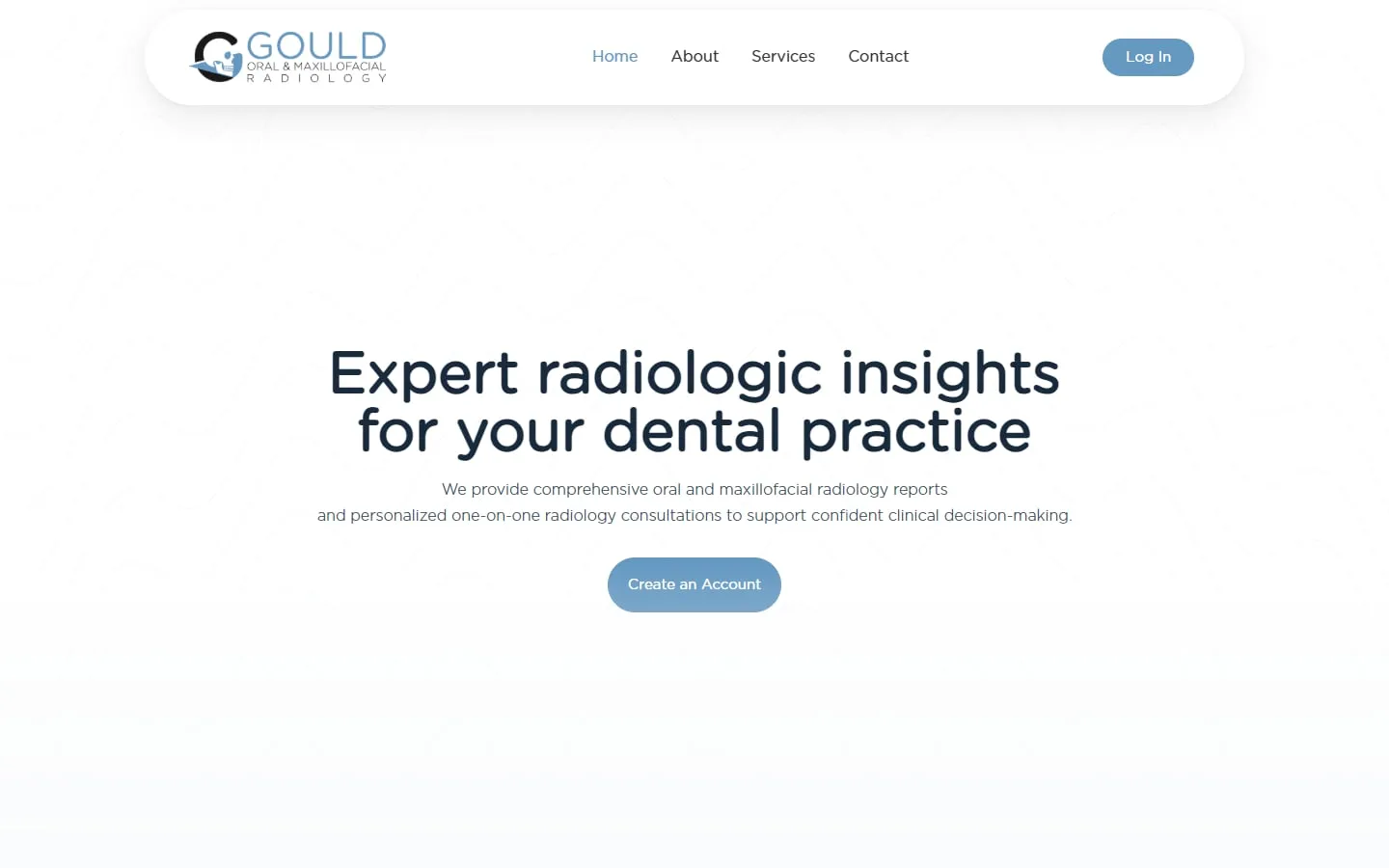
Gould Oral and Maxillofacial Radiology
A custom SuiteDash portal for a radiology practice
Brand identity, website and a customized SuiteDash portal tailored to the practice.
Your team learns SuiteDash on your own account and real work, not a generic demo.

Most teams mix two or three. Pick one to see what it covers.
We walk your team through the portal on a video call, using your own clients and projects, with time for questions. Best for launches and new processes.
Short videos of each task on your own account, so your team can rewatch them and new starters can learn without a live session.
Step-by-step guides with screenshots for the tasks your team repeats every week, so everyone does them the same way.
We learn how you handle leads, clients, projects, billing and messages right now.
We agree what to build, what stays manual and what gets automated, in writing.
We configure and test every client and team journey before anyone logs in.
Your team gets a walkthrough, and we stay on for changes as you grow.
A walkthrough and handover are part of every setup we build. Team training is included in our advanced implementation, from $2,000, or priced separately for existing accounts.
See SuiteDash pricing and packagesGould Oral and Maxillofacial Radiology
Brand identity, website and a customized SuiteDash portal tailored to the practice.
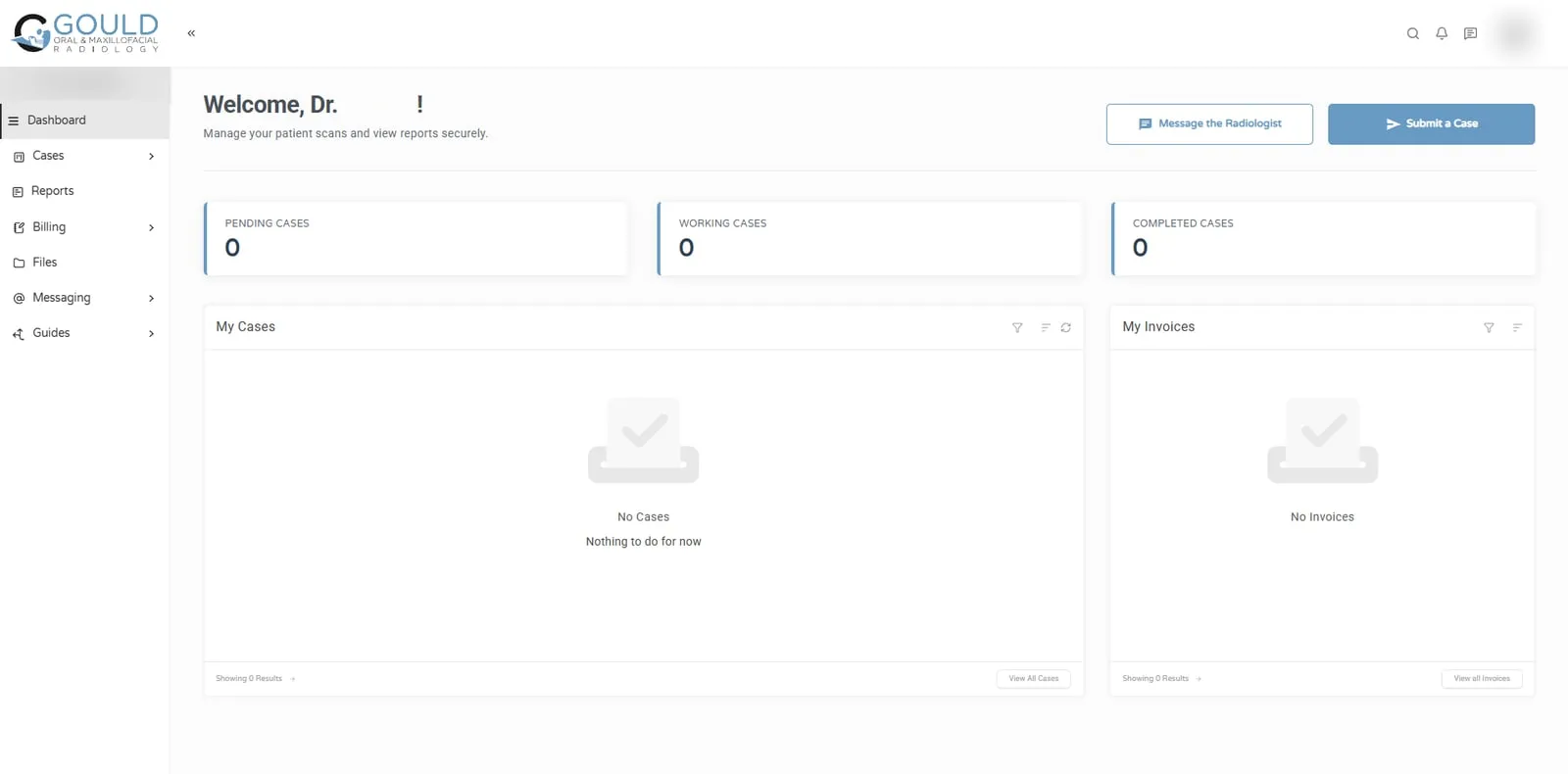
Jonna and her team helped me develop my company's logo and brand identity, design and build my business website, and create a customized SuiteDash portal tailored to the unique needs of my radiology practice. The quality of her work exceeded my expectations at every stage of the process!
Train on your own account with real work. A generic demo teaches people where buttons are; training on your clients and projects teaches them how your business runs in SuiteDash, which is what they need on Monday morning.
Keep sessions short and task-based. One session on onboarding a new client beats an afternoon tour of every module.
No. Train by role:
Because people forget, and staff change. A short written procedure for each repeat task, with screenshots from your own account, means new starters can learn without interrupting the one person who knows. It also keeps the system consistent: everyone creates projects and tags contacts the same way.
Give them the recorded walkthroughs and SOPs for their role, a login with the right permissions, and one real task to do on their first day. Review it with them. Most people are comfortable within a week when the training matches their job.
Yes. Every build ends with a walkthrough and handover, so your team knows how to use and manage the system. If you need more, we can run live sessions on your own account, record short walkthroughs and write step-by-step guides for the tasks your team repeats.
Yes. We review the account first so the training matches how it is actually set up. If we find problems along the way, such as automations that conflict, we point them out, and you decide whether to fix them before or after the training.
We can help you introduce clients to the portal, for example with a short welcome guide or video and an On-Boarding FLOW that walks them through their first login. Most clients need very little training when the portal is built around their tasks.
Yes. We can record walkthroughs so your team can rewatch them and new starters can learn without a live session. Recordings are made on your own account, so they show your real setup, your clients and your own wording.
30 minutes. No obligation. You’ll leave with a plan.