

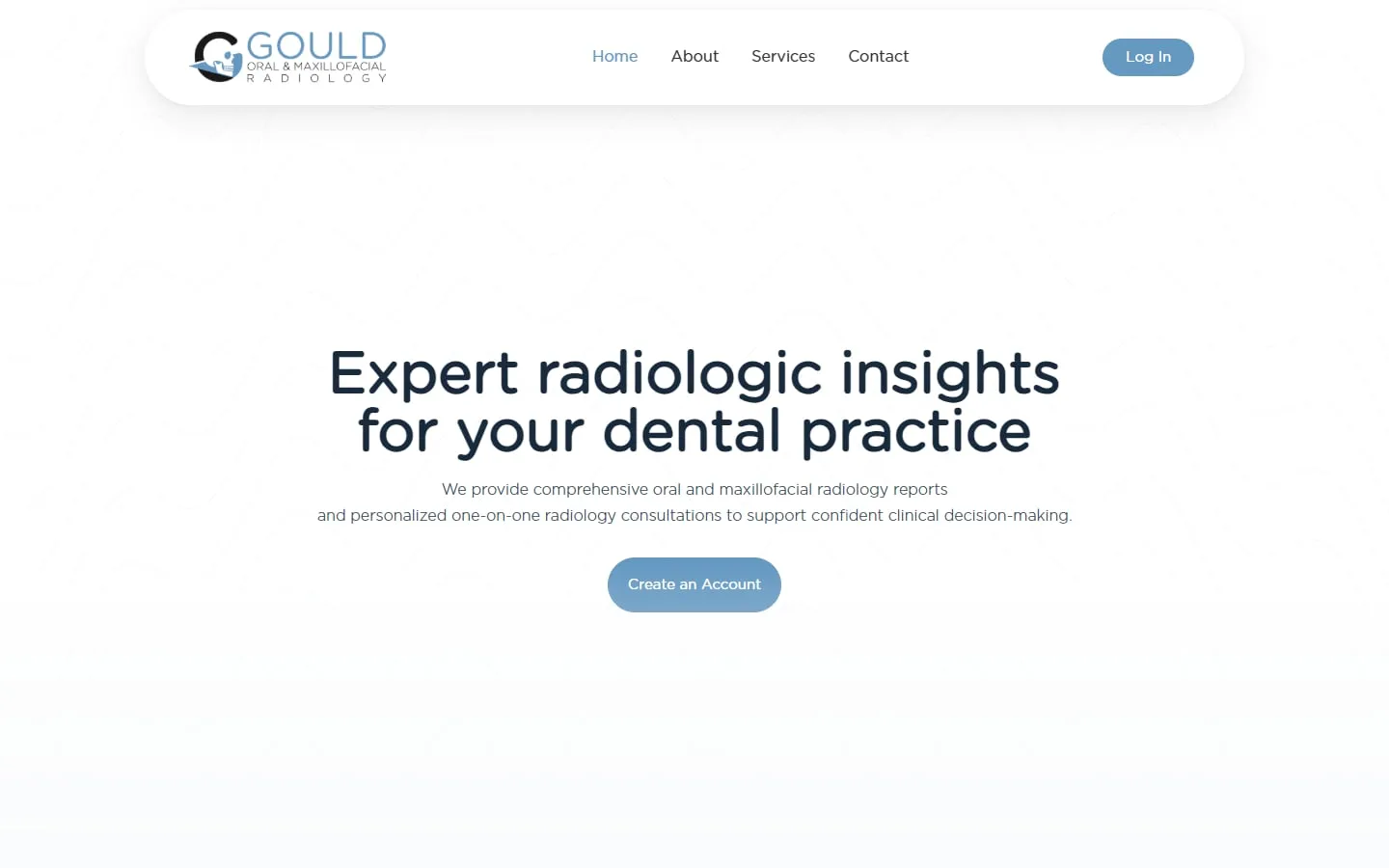
Gould Oral and Maxillofacial Radiology
A custom SuiteDash portal for a radiology practice
Brand identity, website and a customized SuiteDash portal tailored to the practice.
Your logo, colors, login page, emails and domain, so clients only ever see your brand.
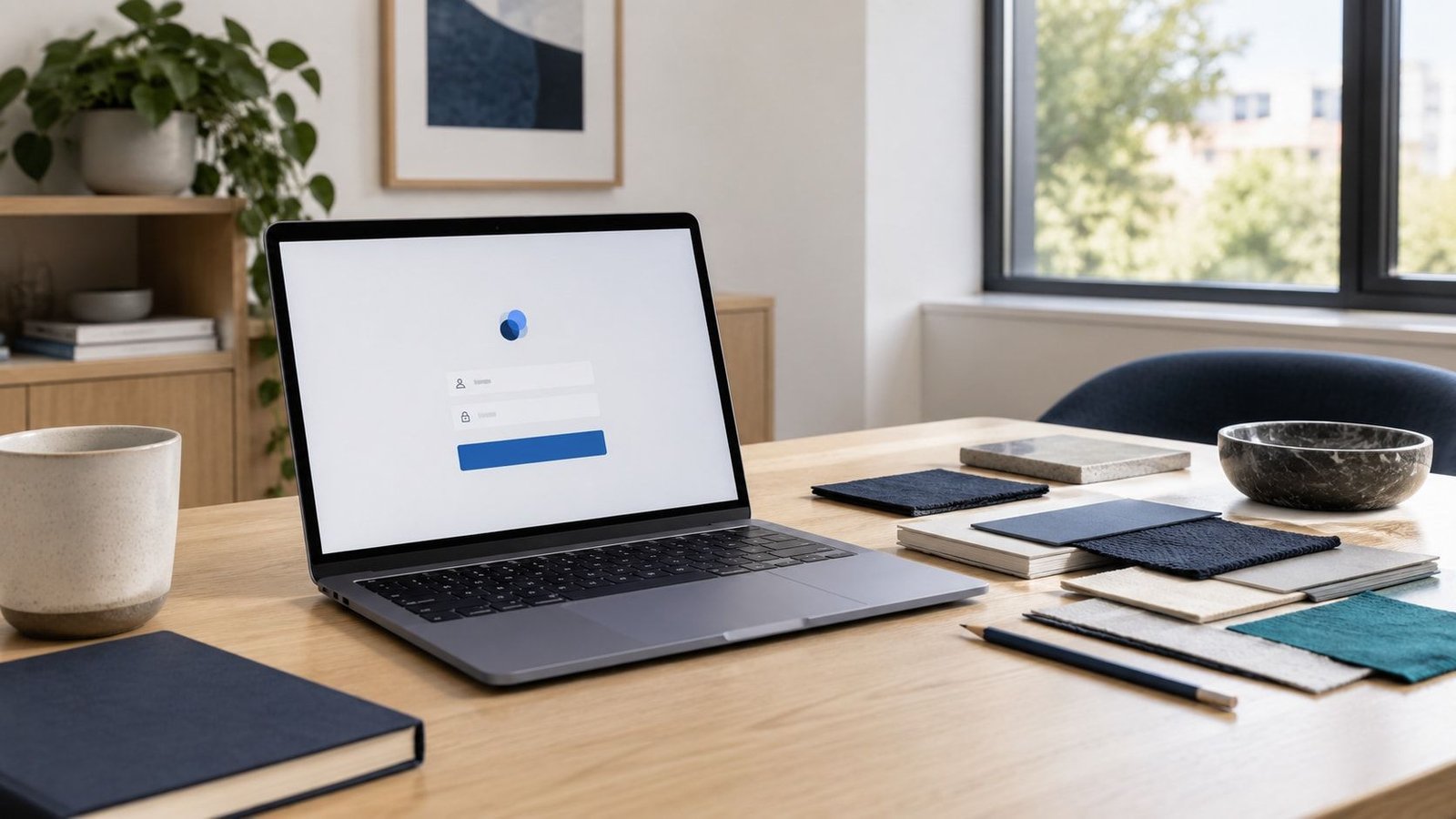
Switch the brand color and logo on this sample portal to see how white label changes what clients see.
Upload documents, sign letters and pay invoices securely.
Showing 2 results
Showing 2 results
Claire MorganThanks, we have what we need for now. We’ll update you here as soon as there’s news.
Sofia RiveraUploaded the last receipts to the Files tab. Let me know if anything is missing.
A sample portal for a made-up accounting firm, laid out like a real SuiteDash build. Switch between the owner’s dashboard and the client’s portal, and click the sidebar to look around.
We learn how you handle leads, clients, projects, billing and messages right now.
We agree what to build, what stays manual and what gets automated, in writing.
We configure and test every client and team journey before anyone logs in.
Your team gets a walkthrough, and we stay on for changes as you grow.
White label and custom domain setup is included in every SuiteDash setup we build, from $600. On an existing account, it is priced as a small project after a quick review.
See SuiteDash pricing and packagesGould Oral and Maxillofacial Radiology
Brand identity, website and a customized SuiteDash portal tailored to the practice.
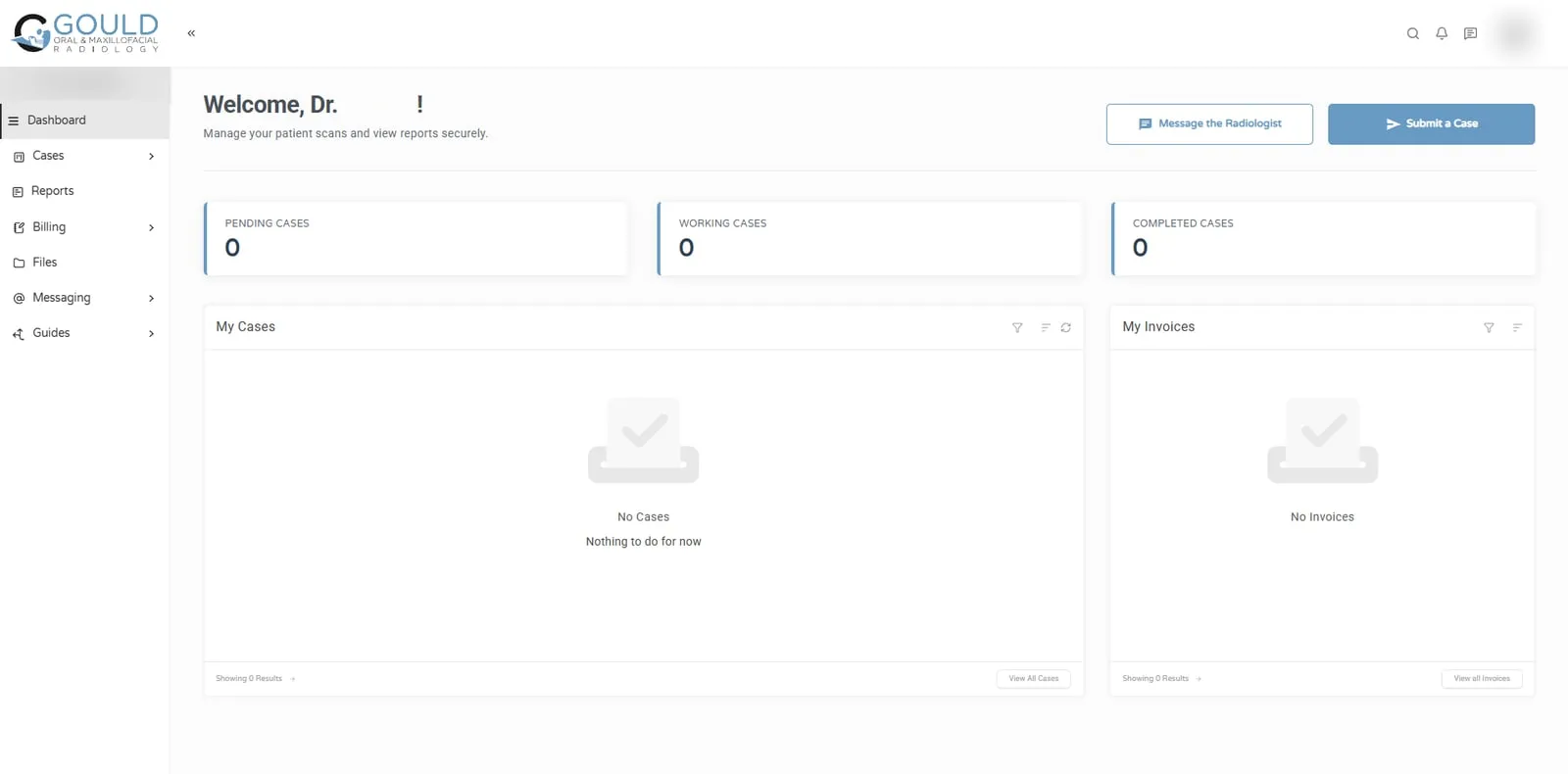
Jonna and her team helped me develop my company's logo and brand identity, design and build my business website, and create a customized SuiteDash portal tailored to the unique needs of my radiology practice. The quality of her work exceeded my expectations at every stage of the process!
You add a CNAME record at your domain registrar that points a subdomain, such as portal.yourbrand.com, to the SuiteDash hostname given in your account settings. SuiteDash publishes step-by-step instructions for common registrars.
Two details save trouble later: each account has one custom URL, and your team should log in from that custom URL rather than the default SuiteDash address, so links and emails show your domain.
Most of what clients see:
Because email is often the first thing a client sees. An invitation or invoice from an address they don’t recognize can land in spam or get ignored. Sending system emails in your brand, from your domain, makes them look like what they are: a message from you.
Some branding options vary by plan, so check the current plan details on suitedash.com before you buy. We confirm what your plan supports during the first review and recommend an upgrade only if you need something your plan doesn’t include.
Yes. You point a subdomain such as portal.yourbrand.com to SuiteDash with a CNAME record at your domain registrar. Each account has one custom URL. We set it up, test it, and make sure your team logs in from the custom address so links show your domain.
With white label set up properly, clients see your logo, colors, login page, domain and branded emails. We log in as a test client and check every screen and email they will receive before launch, so nothing unexpected reaches them.
Some branding options depend on your plan, so we check what your current plan supports before we start. If something you want needs a different plan, we tell you what it is and why, and you decide whether it is worth it.
It is one of the quicker parts of a setup. The main wait is usually the DNS change at your domain registrar. We confirm a timeline once we know what your account already has in place and who can make the DNS change on your side.
30 minutes. No obligation. You’ll leave with a plan.