

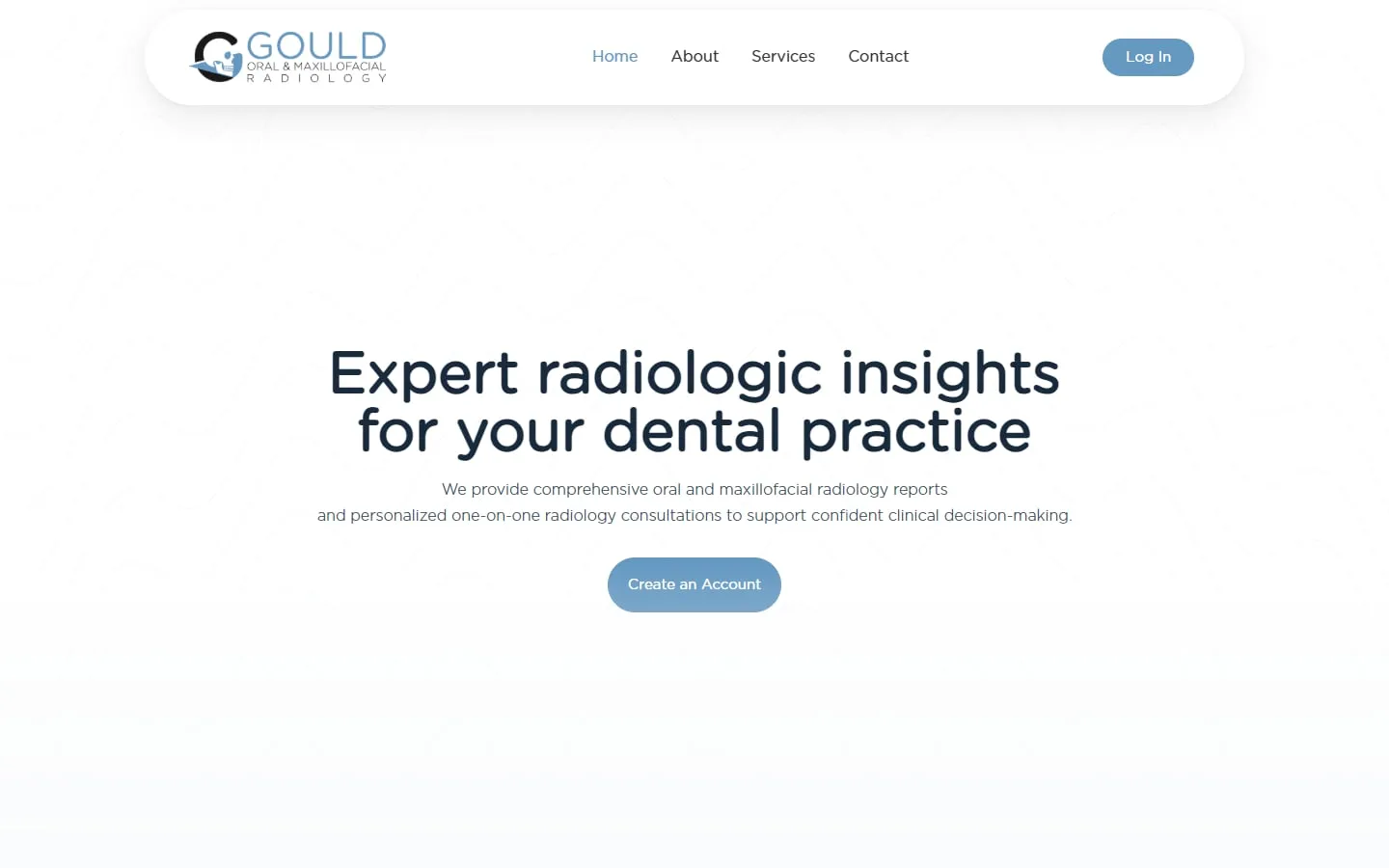
Gould Oral and Maxillofacial Radiology
A custom SuiteDash portal for a radiology practice
Brand identity, website and a customized SuiteDash portal tailored to the practice.
We move your clients, files and templates to SuiteDash and rebuild what can’t be imported.
Choose the tool you use now. Each feature shows where it lives in SuiteDash and whether it moves automatically or gets rebuilt.
General guidance. What moves automatically depends on your account and export options; we confirm it in the review before quoting.
We learn how you handle leads, clients, projects, billing and messages right now.
We agree what to build, what stays manual and what gets automated, in writing.
We configure and test every client and team journey before anyone logs in.
Your team gets a walkthrough, and we stay on for changes as you grow.
Migration is priced by what needs to move and be rebuilt: the number of contacts, templates, workflows and files. We quote after reviewing your current setup.
See SuiteDash pricing and packagesGould Oral and Maxillofacial Radiology
Brand identity, website and a customized SuiteDash portal tailored to the practice.
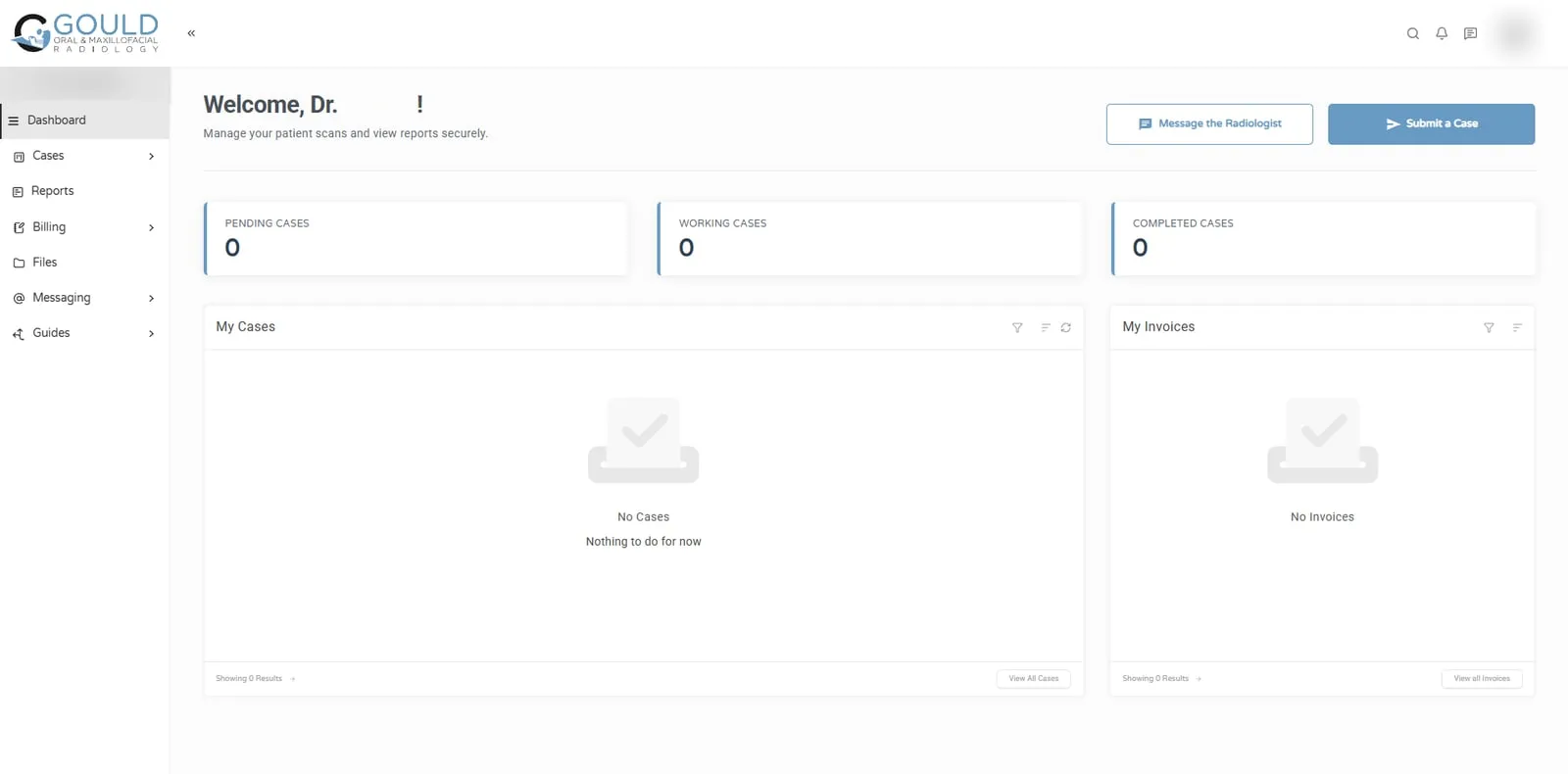
Jonna and her team helped me develop my company's logo and brand identity, design and build my business website, and create a customized SuiteDash portal tailored to the unique needs of my radiology practice. The quality of her work exceeded my expectations at every stage of the process!
Data moves; logic gets rebuilt. Contacts, companies and most client information can be exported to spreadsheets and imported. Files can be moved into portal folders. What cannot come across automatically is how your old tool behaved: its workflows, automations, form logic and templates.
That is good news in disguise. Rebuilding workflows is the moment to drop steps nobody needs any more.
Export your contacts and projects, then rebuild proposals, contracts and automations in SuiteDash. The biggest change for clients is the portal: instead of separate links for each document, they log in to one place. Plan the switch for new clients first, and move active clients once their current work is complete.
Dubsado workflows map well to SuiteDash automations and FLOWs, but they need rebuilding rather than importing. List every workflow and what triggers it, decide which still earn their place, and rebuild those. Export contacts and client history, and recreate forms and contract templates.
Export contacts, companies and deals, and map HubSpot deal stages to SuiteDash pipeline stages before importing. Decide which custom properties you really use; HubSpot accounts often collect many that nobody reads. Marketing emails and sequences need rebuilding in SuiteDash’s email marketing and drip campaigns.
Export clients and invoice history, then rebuild proposal, contract and invoice templates in SuiteDash. Recurring invoices need setting up again as subscriptions, so check start dates carefully to avoid charging a client twice in the month you switch.
Clean the spreadsheet before you import it. Merge duplicates, split names into separate columns, and agree one format for phone numbers and dates. Decide which columns become SuiteDash fields and which become tags. A tidy import saves weeks of fixing records later.
They should notice one thing: an invitation to a portal that is easier to use. We plan the switch so work in progress finishes in the old tool where that is simpler, and new work starts in SuiteDash, and we test everything before clients are invited.
Yes. We move your clients, contacts and files across, then rebuild what can’t be imported directly, such as forms, templates, workflows and automations. We plan the switch so your clients see as little disruption as possible, and we test the new setup before you invite them in.
Contacts, companies and client records can be exported and imported, and files can be moved into the portal. Some history, such as old email threads inside your previous tool, may not transfer in the same form. We list exactly what moves and what doesn’t before we start.
No tool imports another tool’s workflows directly, so we rebuild them as SuiteDash automations and FLOWs. That is usually an improvement, because it is the right moment to remove steps nobody needs and to simplify what clients have to do.
No. Often the smoothest approach is to start new clients in SuiteDash while current projects finish in the old tool. We agree the order with you so billing, active work and client communication all stay clear during the switch.
It depends on how much needs to move and be rebuilt: contacts, files, templates, forms and workflows. We review your current setup and quote a fixed scope before any work starts, so you know the full price of the move in advance.
30 minutes. No obligation. You’ll leave with a plan.